
Shopping Cart
Comparisons, guides & advice
Our analyses to help you choose the right Apple gear and peripherals : display comparisons, buying guides and hands-on tests.
SSD · APFS / HFS+
SSD not showing up on your Mac? It may be a formatting issue (APFS vs HFS+)
An APFS-formatted SSD is invisible on older Macs (before High Sierra). Here's why, and how to reformat it to Mac OS Extended (HFS+).
Read the article →
Guide · Reconditioned
Reconditioned or new?
For a part you never see, tested reconditioned is on a par with new: same 2 year warranty, lower price — and often better than a generic new part.
Read the guide →
Brief · Battery
Cobalt or ternary battery?
Premium or standard? The cathode chemistry (Cobalt/LCO vs ternary/NMC) that changes the battery life, gauge reliability and long-term endurance of your Mac battery.
Read the guide →
Guide · Sound
No sound or crackling sound?
Audio output, volume, Bluetooth: software first. Then, if the sound crackles or distorts, the speaker can be replaced — especially after a liquid spill.
Read the guide →
Guide · Keyboard
Keyboard keys that no longer respond?
Setting, dust, then part: the right order for a key that's dead, repeats or sticks — on every MacBook, spill case included.
Read the guide →
Guide · Camera
Mac webcam not working?
9 times out of 10 it's software: permission, an app holding on to the camera, a service to restart. The free actions, and the rare hardware cases.
Read the guide →
Guide · Network
Wi-Fi or Bluetooth no longer working ?
Forget/reconnect, restart the internet router, re-pair, update : the simple things first. Plus the test that tells you whether the issue is the Mac or the router.
Read the guide →
Guide · Charging
MacBook that won't charge?
Charging is a chain: charger, cable, connector, battery, logic board. How to test link by link and not pay for the wrong part.
Read the guide →
Guide · Data
Recovering your data from a broken Mac
A breakdown doesn't mean lost data. The right moves that save it, the mistakes that destroy it, and when to hand the Mac to a workshop.
Read the guide →
Guide · Buying
A refurbished Mac: is it reliable?
Refurbished ≠ second-hand: tested, serviced, warrantied. What makes it reliable, the role of the grade, and how to recognise a serious refurbishment.
Read the guide →
Guide · Casing
Dented or scratched MacBook case?
Top or bottom: replace the right case, not both. Which damage is cosmetic, which gets in the way of use, and how to find the compatible part.
Read the guide →
Guide · Overheating
Hot Mac running slow?
Fan flat out, slow Mac: why an overheating Mac throttles itself, and how to calm it down — from a free tweak to a dust-out and thermal paste.
Read the guide →
Guide · Flexgate
Flexgate: lines at the bottom of the screen?
Spotlight effect, backlight cutting out when you open the lid: the cable defect on 2016-2018 MacBook Pros, how to recognise it and how to repair it.
Read the guide →
Guide · Trackpad
Trackpad that no longer clicks?
Before changing the trackpad: the #1 cause is often a swollen battery underneath. The right diagnosis (battery, setting, flex cable) so you don't pay for the wrong part.
Read the guide →
Guide · Keyboard
MacBook butterfly keyboard: the flaw and the fix
Repeating, stuck or dead keys on a 2016-2018 MacBook? The butterfly keyboard flaw explained — and how to fix it, key by key, with an AP12 clicker.
Read the guide →
Guide · Startup
MacBook won't turn on?
Black screen, no response: the checks in the right order, from the free fix (charge, reset) to the logic board diagnosis in the workshop.
Read the guide →
Guide · Decision
Repair or replace your Mac?
The rule in numbers to decide: compare the repair to half the price of an equivalent refurbished Mac — plus 3 questions and concrete examples.
Read the guide →
Guide · Storage
SSD full: move to a larger one
Is your Mac upgradeable? Removable, proprietary or soldered: how to recognise your case and gain space for years, without buying a new Mac.
Read the guide →
Guide · Battery
Swollen MacBook battery: what to do?
Lifting trackpad, bulging case: the warning signs, the 3 safety steps, and what replacement really costs — new battery, 2-year warranty.
Read the guide →
Guide · Screen
Broken screen: repair or replace?
Cracks, lines, black screen: a 3-question method to decide, plus real prices for every MacBook family — from the 13″ Pro to the 16″, grades included.
Read the guide →
Guide · Mac Screens
How to spot a quality refurbished Mac screen
After years refurbishing to a strict spec, here are the tells that separate genuine quality work from a well-presented counterfeit.
Read the guide →
Guide · Mac Repair
How to choose a qualified Mac repairer
Free diagnosis, Mac specialist only, Google reviews, a quote capped at the refurbished price… The real criteria, from an expert with twenty years at the bench.
Read the guide →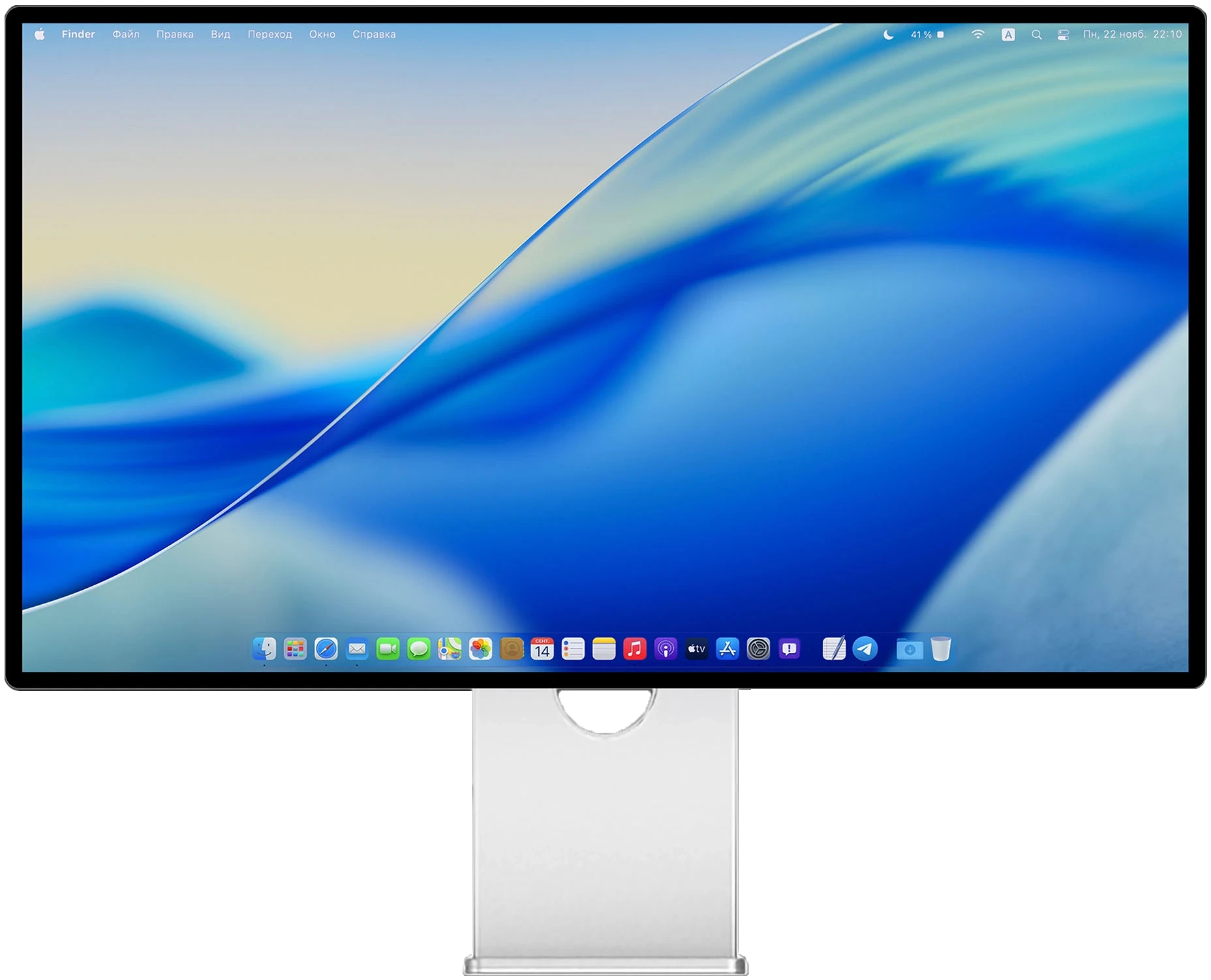
Comparison · 6K displays
Apple Pro Display XDR vs Kuycon G32P
Two 32″ 6K Retina panels for creatives on Mac. We settle it across five rounds — and the verdict surprises above all on price.
Read the comparison →